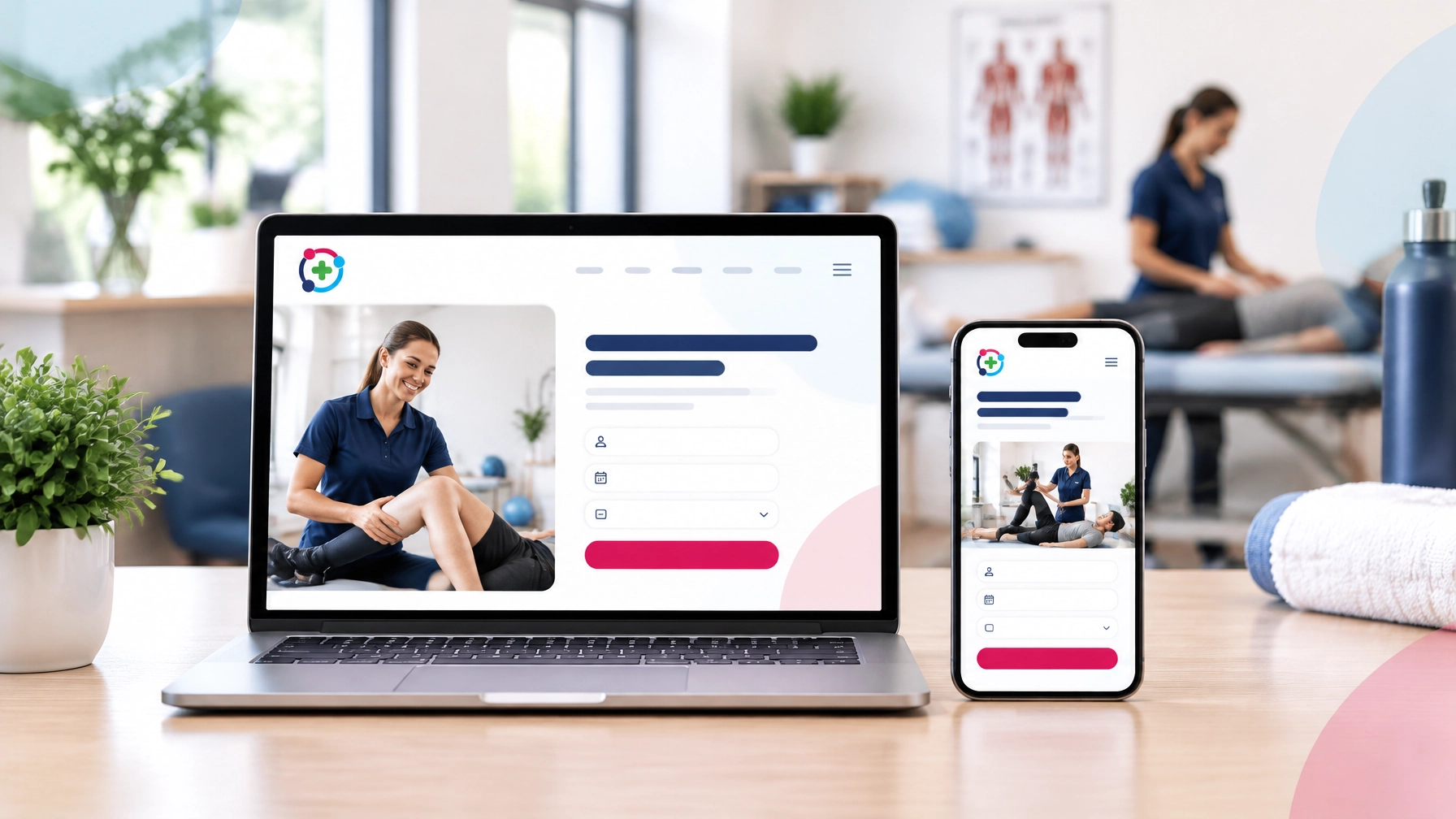
How to Integrate Online Booking With Your Clinic Website
Connecting Online Booking Without the Tech Headache

Running a private clinic already gives you enough to manage. Patients, appointments, staff, treatment rooms, paperwork and everyday admin can quickly fill your schedule.
So, the last thing you need is a complicated website project.
That is where
online booking for clinics can make a real difference. When patients can view your availability and request an appointment online, you can reduce phone calls, make booking more convenient and create a smoother experience from the first visit to the first appointment.
The good news? You do not need to become a web developer to add online booking to your clinic website.
With the right planning and support, the process can be simple, secure and stress-free. Here is how it works.
Why Online Booking Matters for Your Clinic
Patients are busy too. They may be searching for a physiotherapist during a lunch break, looking for a dentist after work or comparing local psychologists late in the evening.
If they cannot book easily, they may:
- Wait until later and forget
- Call another clinic
- Send an enquiry that takes time to answer
- Leave your website without taking action
An online booking system gives visitors a clear next step. They can choose a service, select an available time and receive confirmation without waiting for a phone call.
For your clinic, this can mean:
- Fewer interruptions from booking calls
- More appointment enquiries converted into bookings
- Better access to appointments outside opening hours
- Fewer missed details during the booking process
- Automated confirmations and reminders
- A more professional and convenient patient journey
Online booking will not replace the personal service your clinic provides. It simply makes it easier for patients to reach you.
Step 1: Decide What You Need Your Booking System To Do
Before adding a booking button to your website, think about your clinic’s needs.
Do you offer one main service, such as sports massage or podiatry? Or do you have several practitioners, treatment types and locations?
Make a simple list of what you need. For example:
- New patient appointments
- Follow-up appointments
- Different appointment lengths
- Multiple practitioners
- In-person and online consultations
- Different clinic locations
- Deposits or online payments
- Email or text reminders
- Online cancellations and rescheduling
You may not need every feature straight away. Start with the essentials and choose a system that can support your clinic as it grows.
Don’t worry if you are unsure what to look for. We can help you understand your options and recommend a practical approach for your needs.
Step 2: Choose How Patients Will Book
There are three common ways to connect online booking to a clinic
website.
Option 1: Link To a Booking Page
This is often the quickest option.
A clear Book an Appointment button takes the visitor to your booking provider’s website or booking page. This can be placed in your main menu, contact page, service pages and homepage.
It is simple to set up and can work well for smaller clinics that want to start taking bookings online without a complicated website rebuild.
Zanda Health is one example, offering an all-in-one practice management platform with scheduling, appointments, online forms, billing, notes and a client portal. It is used by physiotherapists, psychologists, chiropractors, podiatrists, speech therapists and other practitioners, and is designed with healthcare security in mind, including ISO 27001, HIPAA and GDPR.
Option 2: Embed the Booking System Into Your Website
An embedded booking system appears directly on your website. Patients can view available times and complete the booking process without feeling as though they have left your clinic’s website.
This can create a more seamless experience, particularly when the booking page matches your clinic branding.
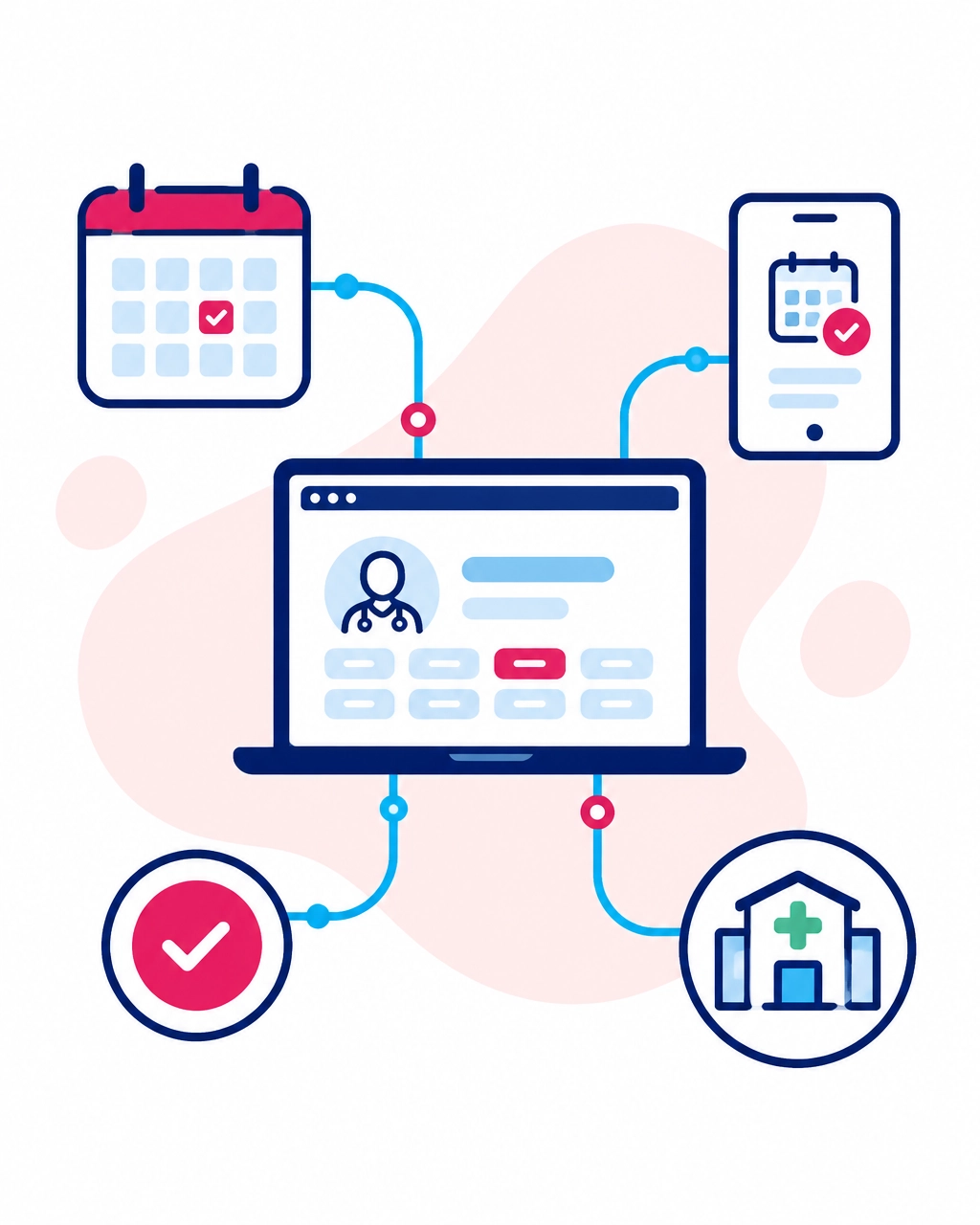
Option 3: Connect With Other Clinic Systems
Larger clinics may need their booking system to work alongside calendars, practice management software, payment systems or patient portals.
This can be useful if you have several practitioners or locations. However, it may involve more setup and why we highly recommend Zanda Health as an all-in-one practice management platform.
Step 3: Set Up Your Services and Availability
Your booking system needs to reflect how your clinic works.
Add each appointment type with a clear name and a short description. Avoid internal terms that patients may not understand.
For example:
- Initial Physiotherapy Assessment: 60 minutes
- Physiotherapy Follow-Up: 30 minutes
- New Patient Dental Examination: 45 minutes
- Chiropractic Consultation: 30 minutes
- Online Psychology Consultation: 50 minutes
Then add your working hours, staff availability, appointment durations and buffer times.
A buffer gives you time to write notes, clean a treatment room or prepare for the next patient. It can help your diary feel more manageable instead of filling every available minute.
You should also check that the system prevents double bookings. Connecting to your existing calendar may be helpful, but make sure the settings match your actual clinic workflow.
Step 4: Make Booking Easy for Patients
A booking system only works when people can find and use it easily.
Place a clear booking call to action in the parts of your website patients are most likely to visit:
- The top navigation
- Your homepage
- Individual treatment pages
- Practitioner profile pages
- Your contact page
- Your Google Business Profile
- Your email signature
- Your social media profiles
Use direct wording such as:
- Book an Appointment
- Check Availability
- Make an Enquiry
- Book Your First Visit
- Find an Appointment
Avoid hiding your booking link in a paragraph at the bottom of your contact page.
Your website should also work well on mobile devices. Many patients will search for a clinic and book from their phone. If the buttons are too small or the booking form is difficult to use, they may leave before completing it.
Keep the form focused. Ask only for information that is genuinely needed at the booking stage. You can collect more detailed intake information later if your system supports it.
Step 5: Add Confirmation and Reminder Messages
A good booking experience does not stop when the patient selects a time.
Your system should send a confirmation message with useful information, such as:
- Appointment date and time
- Practitioner name
- Clinic address
- Parking or arrival instructions
- Cancellation policy
- Online consultation details, if relevant
- A link to reschedule or cancel
Automatic reminders can also help reduce forgotten appointments. You might send one reminder 24 or 48 hours before the appointment, depending on your clinic and booking system.
This is particularly useful for busy patients who book several days or weeks in advance.
You can also consider deposits or prepayments for certain services. These may help confirm a patient’s commitment, although your policy should always be clear and appropriate for your clinic.
Step 6: Build Trust Around the Booking Process
Patients want to know that booking with you is safe, straightforward and professional.
Your website should make the following information easy to find:
- Who your practitioners are
- What services you provide
- Where your clinic is located
- How much appointments cost, where appropriate
- What happens after booking
- How to contact your team
- Your privacy and cancellation policies
Avoid asking for detailed medical information on a basic contact form unless it is necessary and handled appropriately.
If your booking system collects personal or health-related information, review how that data is stored and processed. UK clinics can use the
Information
Commissioner’s Office guidance on UK GDPR and data protection as a useful starting point.
We can also help ensure your website includes appropriate privacy and cookie information as part of the wider website setup.
The Easier Option: Let Our Team Handle the Integration
You may be wondering, “What if I already have a booking provider?”
That is fine.
At HealthClinicWebsites.com, we can link your existing booking system to your new website. If you do not have one yet, we can help you understand the options and choose a suitable direction.
Our website plans include the option to link to online booking, whether you choose a self-build website or a site built for you.
We handle the complicated parts, including:
- Adding your booking link or widget
- Placing booking buttons in the right areas
- Making the design match your clinic branding
- Checking the booking experience on mobile
- Connecting your booking service to relevant website pages
- Helping with domain, hosting and technical setup
- Making sure your website is clear and easy to use
-
You provide your logo, preferred content and any images you have. Don’t worry if you do not have everything ready. During your consultation, we can guide you through what is needed.

A Simple Four-Stage Process
We keep the process clear and manageable.
1. We Understand Your Clinic
We learn about your services, patients, practitioners and goals. We also find out whether you already use an online booking provider.
2. We Plan the Booking Journey
We decide where booking should appear on your website and what patients need to see before choosing an appointment.
3. We Build and Connect
Our skilled team adds the booking link or integration, creates the relevant pages and ensures the design fits your clinic.
4. We Check Everything With You
Before launch, we review the website, booking journey and contact options. You can ask questions, request changes and feel confident about what happens next.
Simple. Organised. No unnecessary technical stress.
Ready To Make Booking Easier?
Online booking for clinics can help you create a smoother patient experience, reduce avoidable admin and make it easier for new patients to take the next step.
You do not need to work everything out alone. Our team can create, manage and support a professional clinic website with online booking built around your unique requirements.
Visit our What We Offer page to learn more, or contact us for a free consultation.
Tell us about your clinic, your current booking system and your goals. We are ready to speak to you, answer your questions and take the stress away!
Recent Posts