
Why "Book Now" Beats "Contact Us" on Your Clinic Website
Your next patient should not have to hunt for the next step.
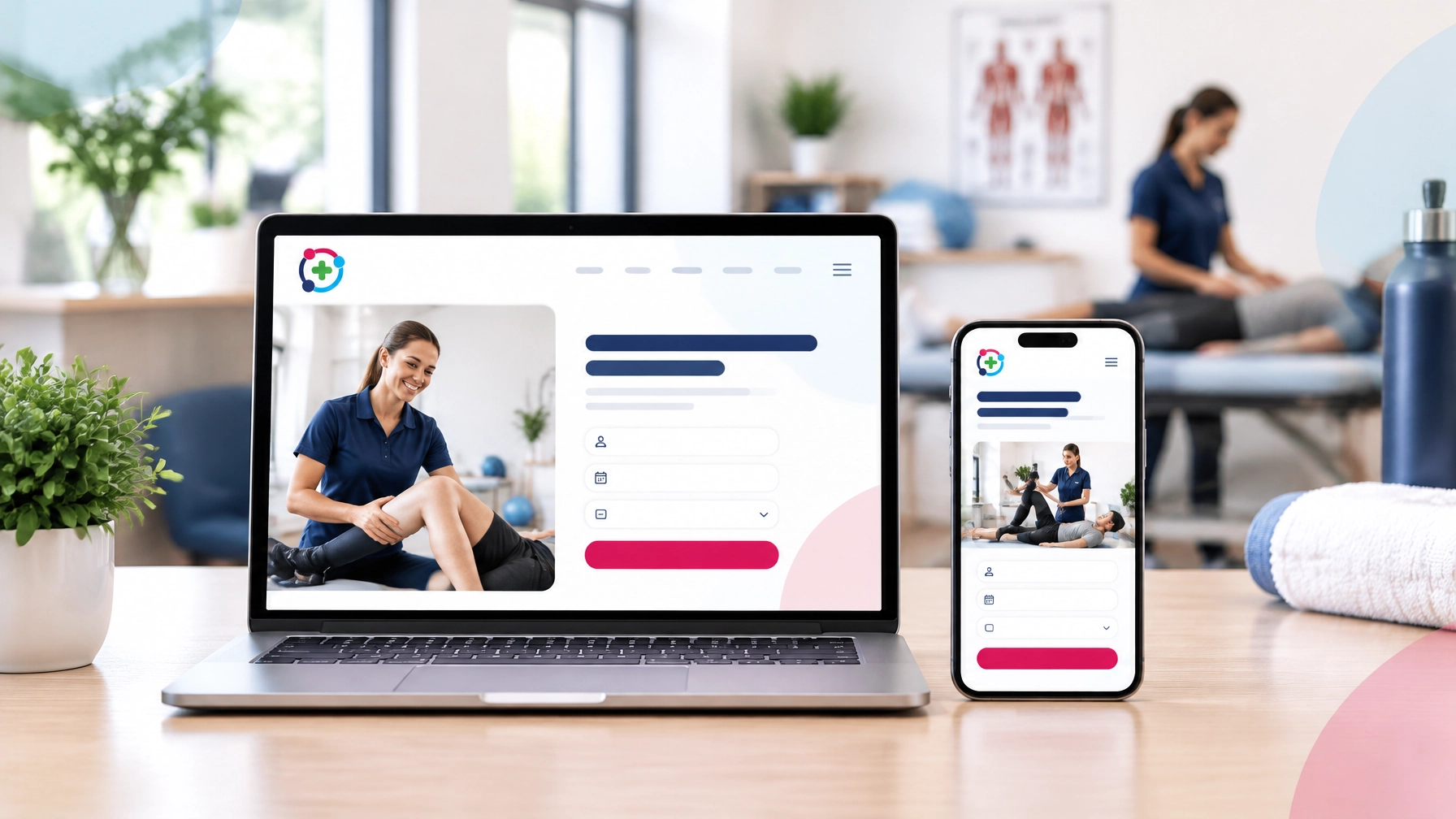
In 2026, people often decide within seconds whether a clinic website is right for them. They want to know:
- Do you treat my specific problem?
- Are you near me?
- Can I trust your team?
- How quickly can I book?
If your website answers these questions clearly, you make the patient journey easier. If it does not, they may leave and look elsewhere.
One small change can make a meaningful difference: replacing a vague “Contact Us” button with a clear, service-led “Book Now” action.
“Contact Us” creates another job for the patient
A specific booking button removes hesitation
A strong call to action tells people exactly what they can do.
Instead of:
> Contact Us
Try:
- Book your back pain assessment
- Book a sports injury consultation
- Book your first chiropractic appointment
- Book your podiatry assessment
- Book your initial physiotherapy appointment
These phrases are more helpful because they connect the action to the visitor’s reason for being on your website.
They also reassure the patient that they have found the right clinic.
Someone searching for help with back pain does not want to guess whether your clinic treats them. A button that says “Book your back pain assessment” immediately signals that you understand their problem.
That specificity builds confidence.

Specificity shows that you treat the exact problem
Patients are not usually looking for a clinic in general. They are looking for help with something specific.
They may be searching for:
- Shoulder pain after returning to the gym
- A sports injury before a competition
- Persistent heel pain
- Stress and anxiety support
- A first dental consultation
- Treatment for jaw pain
- Help recovering after surgery
Your website should reflect the way they think and search.
A general “Contact Us” button can sit underneath your main content, but it should not be the only clear action on the page. When someone is viewing your sports injury page, the primary button should relate to sports injuries. When they are reading about podiatry, the button should make booking a podiatry appointment simple.
This is especially important for visitors arriving from Google, social media or a referral. They may land directly on a service page rather than your homepage.
The page should help them answer three questions quickly:
- Is this service right for me?
- Can I trust this clinic?
- How do I book?
Online booking for clinics works best when these answers are visible without scrolling through several pages.
A clear Call To Action (CTA) supports online booking for clinics
Online booking for clinics is not just about adding a calendar to your website. It is about connecting the right visitor to the right next step.
A booking system can be available, but still underused if patients cannot find it easily.
Your website should make booking visible:
- In the main navigation
- Near the top of the homepage
- On every important service page
- In the header on mobile
- Near the end of useful treatment information
- Alongside clear reassurance about what happens next
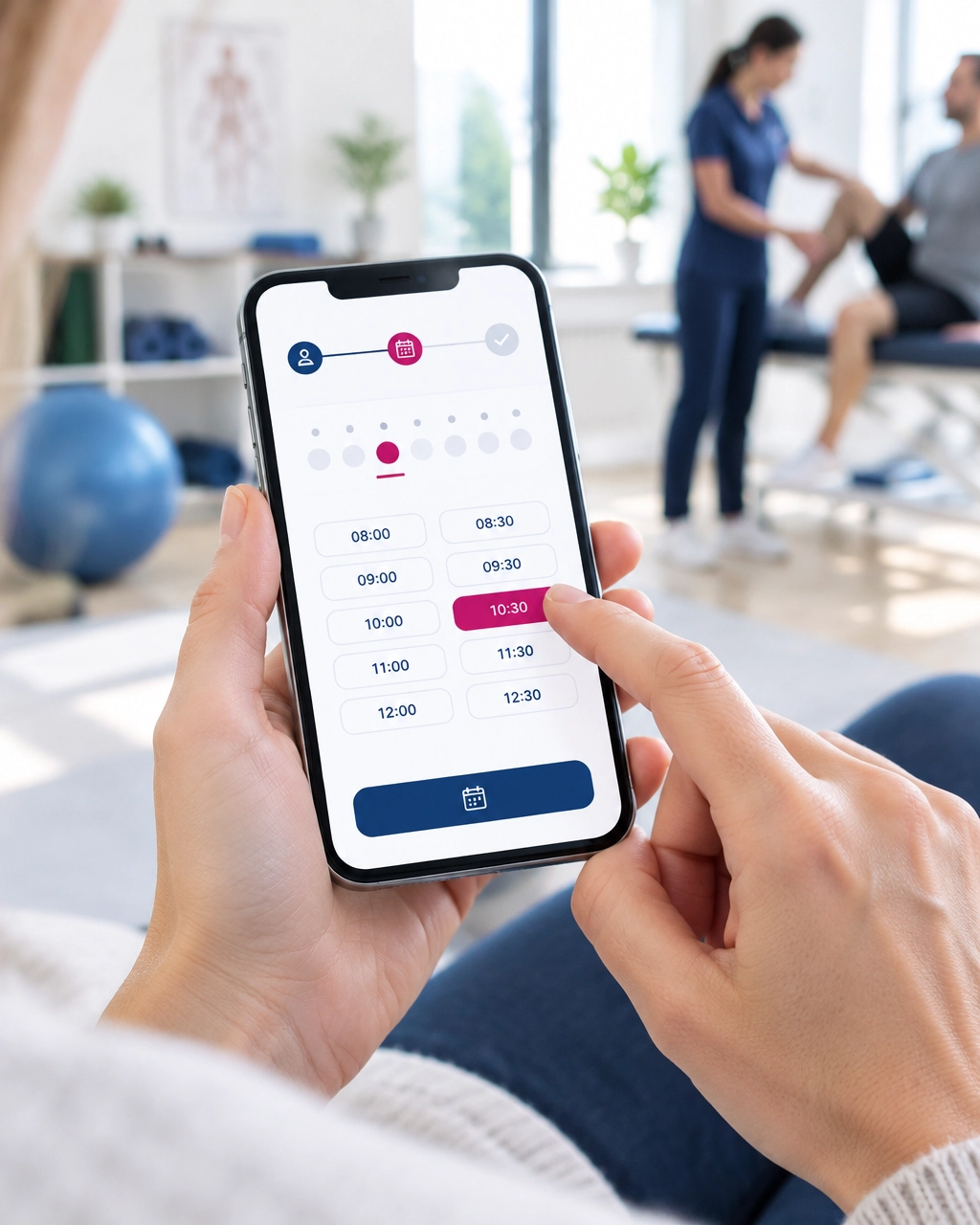
The booking button should then lead to a simple, mobile-friendly process. Patients should be able to choose a service, view suitable availability and request or confirm an appointment without unnecessary steps.
A general enquiry form still has a useful role. It can support questions about fees, referrals, accessibility, locations or treatment suitability. However, it should usually be a secondary action rather than the main route for people who are ready to book.
“Book Now” does not need to feel pushy
Some practitioners worry that “Book Now” sounds too sales-focused or impersonal.
That concern is understandable. Healthcare decisions are personal, and your website should feel supportive rather than forceful.
The answer is not to hide the booking option. It is to use warm, helpful language around it.
For example:
> Not sure which appointment is right for you? Book an initial assessment and our team can guide you from there.
Or:
> Ready to get started? Choose a convenient appointment time online. If you have questions first, our team is here to help.
This creates a balance between clarity and care.
You are not pressuring someone into treatment. You are making it easier for them to access your professional support.
Make the homepage work harder
A new visitor should be able to identify your main services and begin booking from your homepage.
This does not mean filling the page with buttons. Too many competing actions can be just as confusing as too few.
Instead, create a clear visual hierarchy:
- Explain who you help.
- Show your main services.
- Add a clear booking action.
- Provide trust signals, such as qualifications, reviews and patient-focused information.
- Offer a secondary contact route for questions.
For example, a physiotherapy homepage might include:
> Physiotherapy for pain, injury and confident movement
> Explore treatment for back pain, sports injuries and post-operative recovery.
>
Book your physiotherapy assessment
This is more useful than asking every visitor to “Contact Us” before they understand what you offer.
It also supports local SEO because your services are described in straightforward language that patients and search engines can understand.
What could an unclear CTA be costing you?
Your website may already receive healthy traffic. People may be finding you through Google and visiting your pages.
But traffic alone does not create new appointments.
If visitors cannot find a clear booking route, some high-intent patients may leave without making contact. They may not complain. They may not tell you why. They simply move to another clinic with a more straightforward process.
That means an unclear call to action could be costing you enquiries and appointments, even when your website appears to be performing well.
This is one reason we look at the whole patient journey when creating websites. A good clinic website should create, manage and market your online presence while making it simple for patients to take action.
A simple self-audit for your clinic website
Take two minutes to test your homepage as if you were a new patient.
Open it on your phone and ask:
1. Can I tell what this clinic treats?
Your main services should be clear quickly. Avoid relying on broad phrases such as “complete wellness” if your patients are searching for physiotherapy, podiatry, chiropractic care or another specific service.
2. Can I find the right booking button?
Look for a visible, easy-to-understand action. Is it clear where the button leads?
3. Can I book in one click?
From your homepage, can a new visitor reach the appropriate booking page in one click? If they need to search through menus or read several pages first, there may be too much friction.
4. Does the button match the service?
A service-led CTA is often more reassuring than a generic one. Try matching the language to the page:
- Book your back pain assessment
- Book a sports massage
- Book your first dental appointment
- Book an anxiety consultation
5. Is the process simple on mobile?
Many patients will visit your website from a phone. Check that the button is easy to tap and the booking process is comfortable to complete on a smaller screen.
6. Is “Contact Us” still available for questions?
Keep a clear way for people to contact your team when booking is not the right first step. Just make sure it does not compete with the main booking action.
Let your website make booking easier
“Contact Us” is not wrong. It is simply too vague to carry the full weight of your patient journey.
When someone is ready to take the next step, a clear and specific booking button gives them direction. It shows that you understand their needs and makes it easier to access your care.
At HealthClinicWebsites.com, we create websites around the practical needs of clinics and their patients. Our team can help you connect your existing booking provider, improve your calls to action and create a user-friendly website that supports your goals. Our website plans include online booking links, responsive design, search-friendly pages and the technical support to keep things running smoothly.
You do not need to have everything prepared. As we explain on our What We Offer page, we can guide you through the process and take the technical stress away.
So, start with the self-audit:
Can a new visitor identify the right service and book in one click from your homepage?
If the answer is not yet, we are ready to speak to you. Contact us for a free consultation, and let us help you create a clearer, calmer booking journey for your clinic.
Recent Posts