What Makes a Great Health Clinic Website?
A Guide for Clinic Owners

Your website is often the first experience a potential patient has with your clinic.
Before they call, visit, or book an appointment, they may be looking for answers to simple questions:
- Do you offer the treatment I need?
- Where are you located?
- Can I trust your team?
- What will my first appointment be like?
- Can I book online?
A great health clinic website answers these questions clearly and calmly. It helps patients feel confident about taking the next step, while making life easier for you and your team.
Whether you run a physiotherapy clinic, podiatry practice, dental surgery, psychology service, chiropractic clinic, or another healthcare business, thoughtful health clinic website design can support your reputation, visibility, and growth.
Start With Your Patients
The best clinic websites are built around what patients need, not what the clinic wants to say about itself.
That means making important information easy to find. Your visitors should not have to search through several pages to understand your services or work out how to contact you.
Your homepage should quickly explain:
- Who you help
- What services you provide
- Where you are based
- Why patients choose your clinic
- How to book or get in touch
A visitor may arrive feeling worried, uncomfortable, or unsure. Clear navigation and reassuring content can make the experience feel much easier.

Make the next step obvious
Every important page should guide visitors towards a useful next action.
This could be:
- Book an appointment
- View our services
- Meet the team
- Call the clinic
- Find our location
“Contact Us” still has its place, especially for general questions. However, a visible Book Now or Book an Appointment button is often more helpful for patients who are ready to arrange care.
If online booking is suitable for your clinic, make it easy to see. Include it in your main navigation, homepage, service pages, and practitioner profiles.
Create Clear Service Pages
A single page listing every treatment can be difficult for patients to use. It is usually better to give each main service its own page.
For example, a physiotherapy clinic may have separate pages for:
- Sports injury rehabilitation
- Back pain treatment
- Post-operative physiotherapy
- Running assessments
- Women’s health physiotherapy
A dental clinic may need pages for:
- General dentistry
- Dental implants
- Emergency appointments
- Teeth whitening
- Children’s dentistry
Each service page should be written in plain, patient-friendly language. Explain:
- What the service is
- Who it may help
- What happens during an appointment
- How long an appointment may take, where appropriate
- What patients should do next
You do not need to overwhelm visitors with complicated medical terminology. A short, clear explanation can be much more effective.
You can also answer common questions, such as whether patients need a referral, what to bring, or whether children can attend.
Use Mobile-First Design
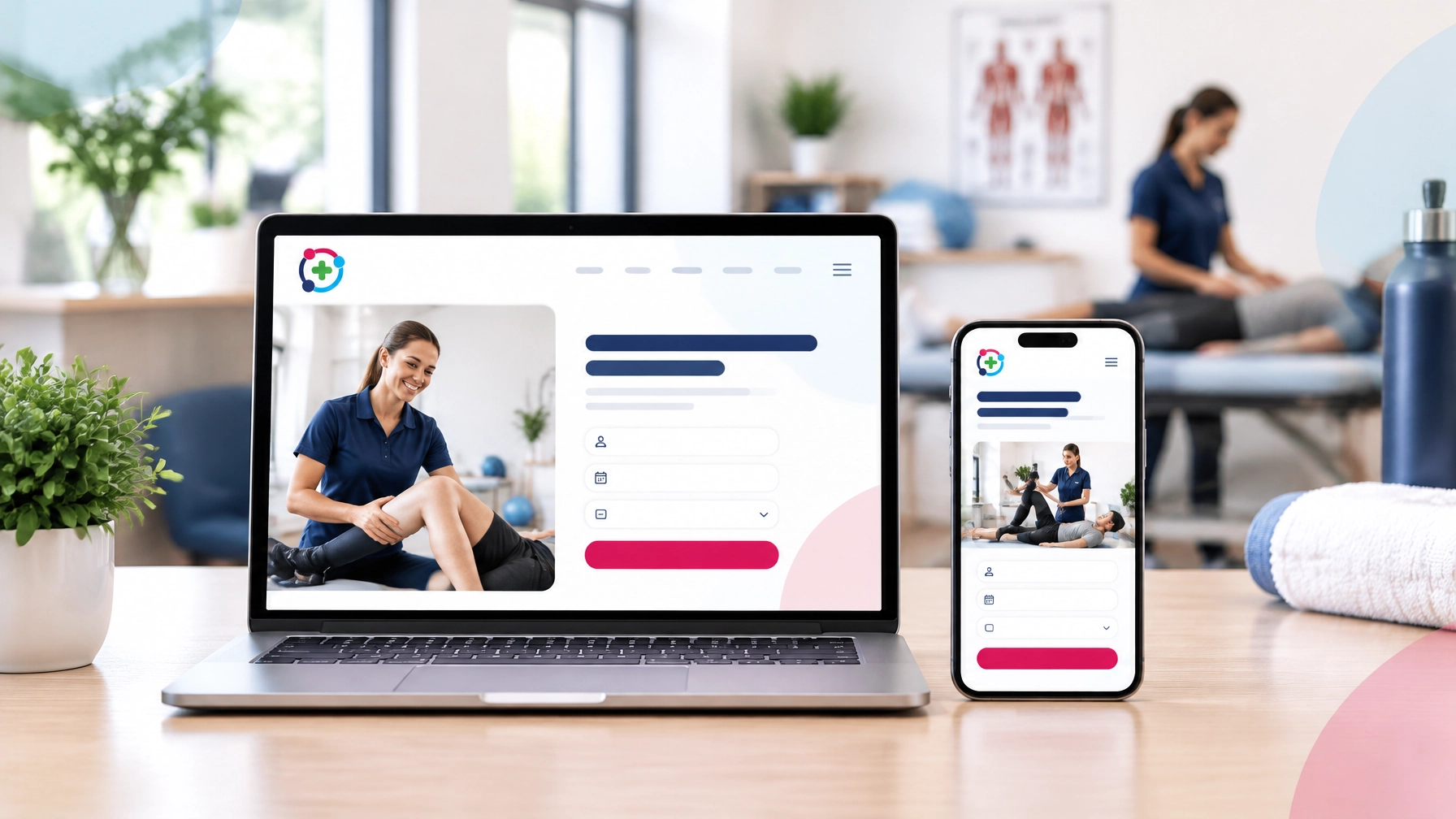
Many patients will visit your website on a phone. They may find you through Google while travelling, during a lunch break, or when they are at home in the evening.
That is why mobile-first design is essential in 2026.
A mobile-friendly health clinic website should have:
- Readable text without zooming
- Buttons that are easy to tap
- Simple menus
- Fast-loading images
- Click-to-call phone numbers
- Booking forms that work properly on smaller screens
- Clear spacing between links and buttons
Your website should not simply shrink the desktop version onto a mobile screen. The layout and content should be planned around the way people use their phones.
Try checking your website yourself on a mobile device. Can you find your services quickly? Is the booking button visible? Can you call the clinic with one tap?
If not, your patients may be experiencing unnecessary friction.
Make Online Booking Easy to Find
Patients increasingly expect convenience. They may prefer to book an appointment outside your opening hours, without waiting for a reply to an email.
A well-integrated booking system can help patients:
- Choose the service they need
- Select a practitioner, if applicable
- View available dates and times
- Enter their details
- Receive confirmation
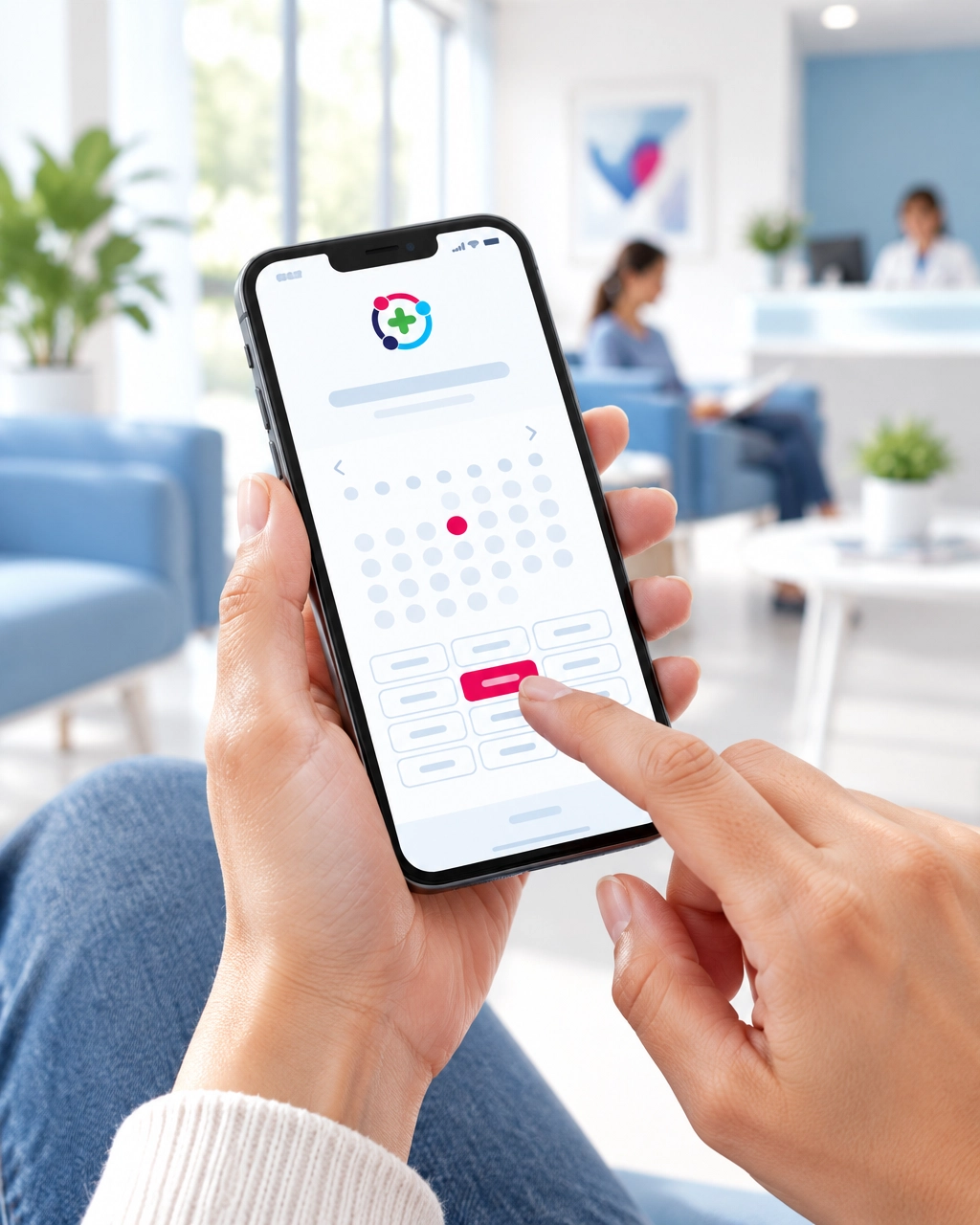
Your website does not necessarily need to host a complicated booking system itself. It can link to your existing provider or connect with a suitable online booking platform.
The important thing is that the journey feels clear and trustworthy.
Avoid hiding booking behind several layers of navigation. A patient who is ready to arrange care should not have to search for the correct page.
Build Trust With Real People and Helpful Information
Healthcare is personal. Patients want to know who will be looking after them and whether the clinic is professional, experienced, and welcoming.
Trust signals can include:
- Real photographs of your practitioners
- Clear biographies
- Professional qualifications
- Areas of special interest
- Memberships or registrations, where relevant
- Patient reviews
- Testimonials
- Clinic photographs
- Information about your approach to care
Professional photography can be helpful, but your website does not need to look overly staged. Warm, natural images can make your clinic feel more approachable.
Reviews can also reassure new patients. If you display testimonials, make sure they are genuine and presented in a way that respects privacy and your professional obligations.
Your website should also include clear information about privacy and data handling. Link to your privacy policy, explain how enquiries are managed, and use secure systems for forms and bookings.
If your clinic operates in the UK or EU, you should also consider relevant GDPR and cookie requirements. A web design team can help you put the right website features in place, but you should seek specialist legal advice where needed.
Support Local SEO
A beautiful website is only useful if local patients can find it.
Local SEO helps search engines understand who you are, what you offer, and where you provide your services.
Start with the basics:
- Include your clinic name, address, phone number, and opening hours
- Use your town, city, or local area naturally in your content
- Create clear pages for your main services
- Keep your Google Business Profile up to date
- Link to your location or map
- Encourage genuine patient reviews
- Add descriptive page titles and headings
- Use useful alt text for images
- Link between related pages on your website
For example, a podiatrist in Leicester may benefit from clear wording such as “podiatry appointments in Leicester” where it fits naturally. This is more helpful than repeating a location unnaturally throughout every page.
Good local SEO is not about filling your website with keywords. It is about making your clinic’s services and location clear.
Keep Your Website Fast and Accessible
Website speed affects how easily patients can use your site. Large image files, unnecessary animation, and poorly managed technical features can slow everything down.
A professional website should be tested and maintained so that key pages load quickly, especially on mobile connections.
Accessibility matters too. Your website should be usable by as many people as possible, including visitors with visual, motor, hearing, or cognitive differences.
Helpful basics include:
- Strong colour contrast
- Clear headings
- Descriptive link text
- Keyboard-friendly navigation
- Useful image descriptions
- Captions for video content
- Simple, readable layouts
- Forms with clear labels
Accessibility is not just a technical task. It is part of providing a welcoming service to your community.
Prepare Before Starting Your Website Project
You do not need to have everything perfect before speaking to a web designer.
However, gathering a few key items can make the process smoother:
- Your logo and brand colours
- A list of services
- Practitioner names and biographies
- Professional qualifications
- Clinic address and contact details
- Opening hours
- Booking system details
- Patient reviews or testimonials
- Clinic and team photographs
- Any existing website login information
- Examples of websites you like
Do not worry if you do not have all of these. At HealthClinicWebsites.com, our team can guide you through what is needed and help you decide what to include. We also have a range of self build design templates to pick from.
We can support you with the design, page structure, booking links, domain management, hosting, SSL, initial SEO, and ongoing updates. You can provide what you already have, and we can help with the complicated parts.
Choose a Website That Can Grow With Your Clinic
Your website should support your clinic today and remain useful as your practice develops.
You may start with a small website containing your main services, contact details, and booking link. Later, you may want to add:
- More practitioner profiles
- Additional treatment pages
- Frequently asked questions
- Online resources
- Blog content
- New clinic locations
- Online classes
- Patient forms or portals
A flexible website makes these changes easier.
At HealthClinicWebsites.com, we offer options ranging from self-build template websites to fully bespoke designs. You can view our plans and choose an approach that fits your needs, goals, and budget.
Let Us Take the Technical Stress Away
Running a clinic already gives you plenty to manage. You should not have to spend your evenings worrying about website updates, broken links, hosting, or whether your booking button works on a phone.
A great health clinic website should make things easier for you and your patients.
It should explain your services clearly, build confidence, support online bookings, help local people find you, and give visitors a straightforward way to take the next step.
Don’t worry if you are not sure where to begin. We are ready to listen to your ideas, understand your unique requirements, and guide you through the process in clear stages.
Contact us for a free consultation, and let’s work together to create a professional, user-friendly website for your clinic.
Recent Posts